
IVR Calling
Every caller routed to the right person, first time.
An IVR greets callers with your own message and a simple menu, then routes them to sales, support or accounts, or to a recorded answer.
Caller
Dials your number
IVR greeting
“Welcome. Press 1 for reservations, 2 for housekeeping, 3 for accounts.”
- 1
Reservations
Sales desk
- 2
Housekeeping
Duty manager
- 3
Accounts
Billing team
- 0
After hours
Voicemail and WhatsApp alert
02Who it's for
Built for businesses like yours.
- Businesses with several departments
- Customer support teams
- Schools and hospitals
- Service companies
- Sales teams sharing one number
- Businesses after hours
03What RudraVox can do
Everything it takes, handled.
- Multi-level call menus
- Department routing
- Business-hours rules
- Voicemail to email or WhatsApp
- Call queue messages
- Missed-call alerts
- Call recordings
- Reports on call volume
04How it works
From first call to going live.
- Step 1
Map
Who should answer what, and when.
- Step 2
Record
Professional greeting and menu prompts.
- Step 3
Configure
Routing, hours, fallbacks and alerts.
- Step 4
Monitor
See missed calls and busy times, then adjust.
05Example
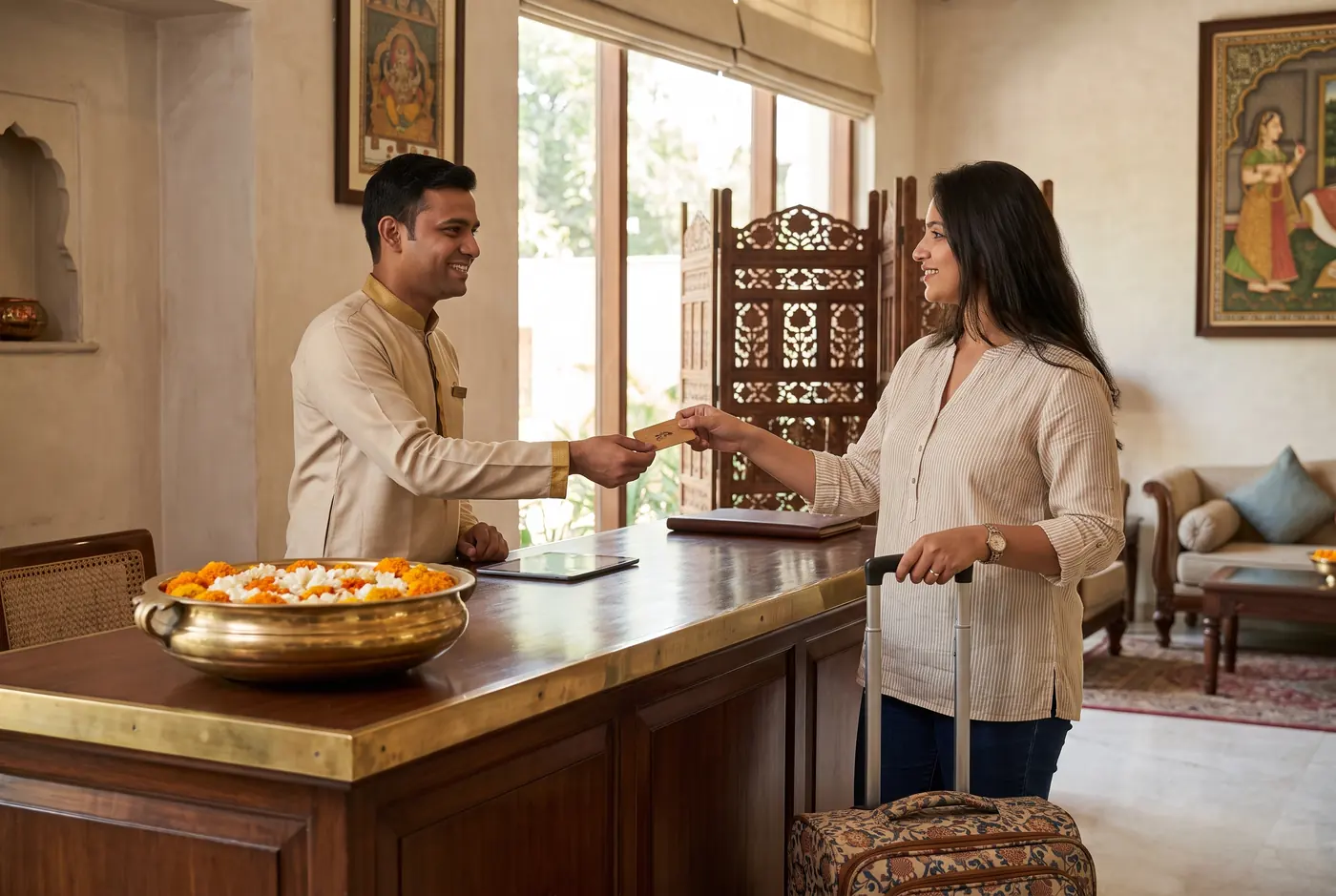 Illustrative example
Hotel with a busy front desk
Reservation, housekeeping and accounts calls all ring at reception.
What we'd set up
- IVR menu
- Department routing
- After-hours voicemail
- Missed-call WhatsApp alert
How it flows
- Guest calls
- Press 1 for reservations
- Routed to sales
- Missed? WhatsApp callback
Reservations reach the sales desk directly, and after-hours callers leave a message that becomes a morning callback list.
Often paired with
Let's talk about IVR Calling.
Tell us about your business. We'll reply with honest advice and a clear next step.