
WhatsApp Automation

WhatsApp that replies, books and follows up, even when you're busy.
We set up the official WhatsApp Business API with automated flows for enquiries, bookings, order updates, support and follow-ups, with a person stepping in whenever needed.
Studio Boutique
Business account
Glow Salon
Business account
Customer
Asks a question at any hour
WhatsApp
Official Business API number
Automation
Menus, forms, bookings, updates
CRM
Lead saved with full history
Human or AI
Routine handled, rest handed over
Resolution
Booked, ordered or answered
02Who it's for
Built for businesses like yours.
- Retail and fashion stores
- Restaurants and cloud kitchens
- Clinics and salons
- Real estate and education
- E-commerce brands
- Any business living on WhatsApp
03What RudraVox can do
Everything it takes, handled.
- WhatsApp Business API setup
- Instant replies and menus
- Lead collection
- Appointment booking
- Order and delivery updates
- Payment links and reminders
- Broadcast campaigns
- Shared team inbox
- CRM sync
- AI replies with human handoff
04How it works
From first call to ongoing care.
- Step 1
Map conversations
List the questions customers ask and what should happen next.
- Step 2
Set up API
Verified business number, templates and approvals.
- Step 3
Build flows
Menus, forms, bookings and notifications.
- Step 4
Connect
CRM, store, calendar and your team inbox.
- Step 5
Improve
Review conversations and tighten the flows.
05Example
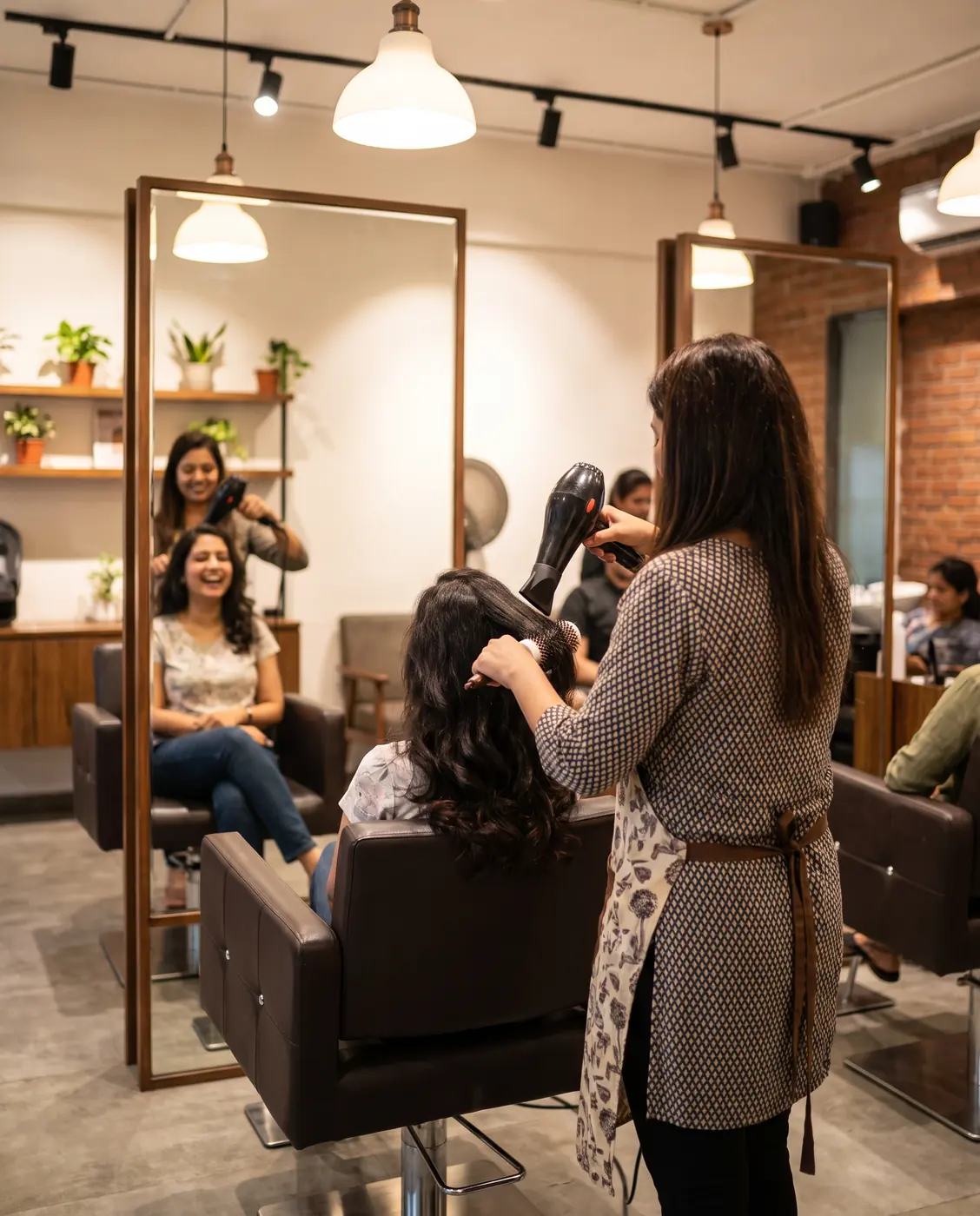 Illustrative example
Salon with two branches
Booking requests arrive late at night and get answered the next afternoon.
What we'd set up
- WhatsApp booking flow
- Service menu
- Reminders
- Review requests
How it flows
- Customer asks for a slot
- Picks service and time
- Booking confirmed
- Reminder and review request
Customers book themselves at any hour, reminders cut no-shows, and staff see the day's bookings in one shared inbox.
Questions people ask
Will my number get banned?
We use the official WhatsApp Business API and approved templates, which is the platform's approved route for business messaging.
Can my staff still reply?
Yes. Automation handles routine questions, and anything else lands in a shared inbox for your team.
Can it send order or payment updates?
Yes. We connect your store, billing or CRM so updates go out automatically.
Often paired with
Let's talk about WhatsApp Automation.
Tell us about your business. We'll reply with honest advice and a clear next step.